Create and send your first invoice
Set company details, choose a customer, add line items, review the PDF, and send with confidence.
Read the first-invoice guideDocumentation
The easyTimi documentation hub is a practical product manual for setup, customers, invoices, payments, timekeeping, reporting, and country-specific e-invoicing readiness.
Each section explains when to use the workflow, what to prepare, the normal steps, and the first checks to make when something does not behave as expected.
Use these sections as the first stop for product help. They are organized by workflow and illustrated with current product screenshots from the live app.
Start
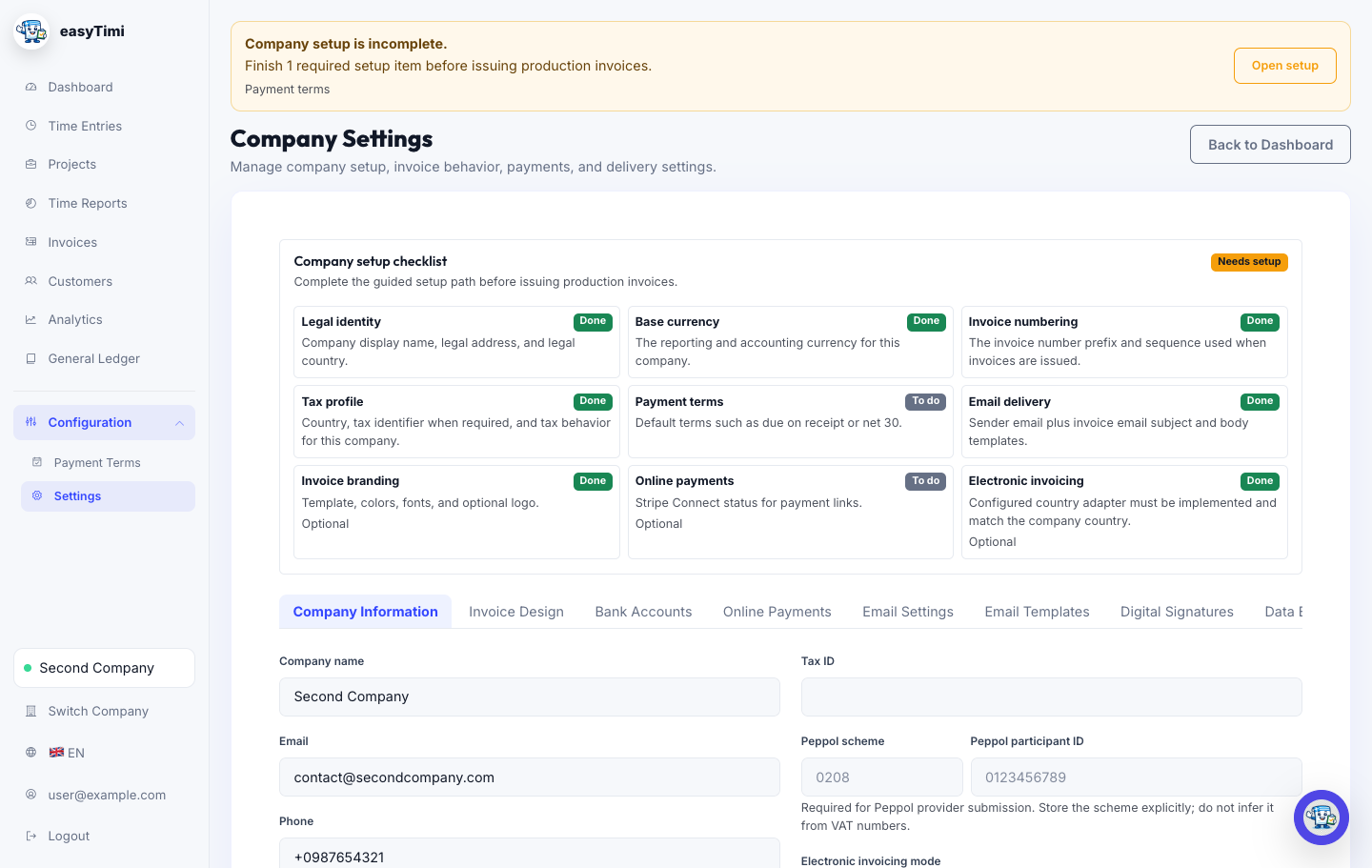
Set up the account foundation you need before you issue the first invoice.
When to use this
Use this section before the first production invoice, after adding a new company, or whenever invoice identity, payment terms, delivery, or compliance settings change.
Set company details, choose a customer, add line items, review the PDF, and send with confidence.
Read the first-invoice guideReview legal identity, country, base currency, invoice numbering, branding, payment terms, and email setup.
Open settings after sign inBill
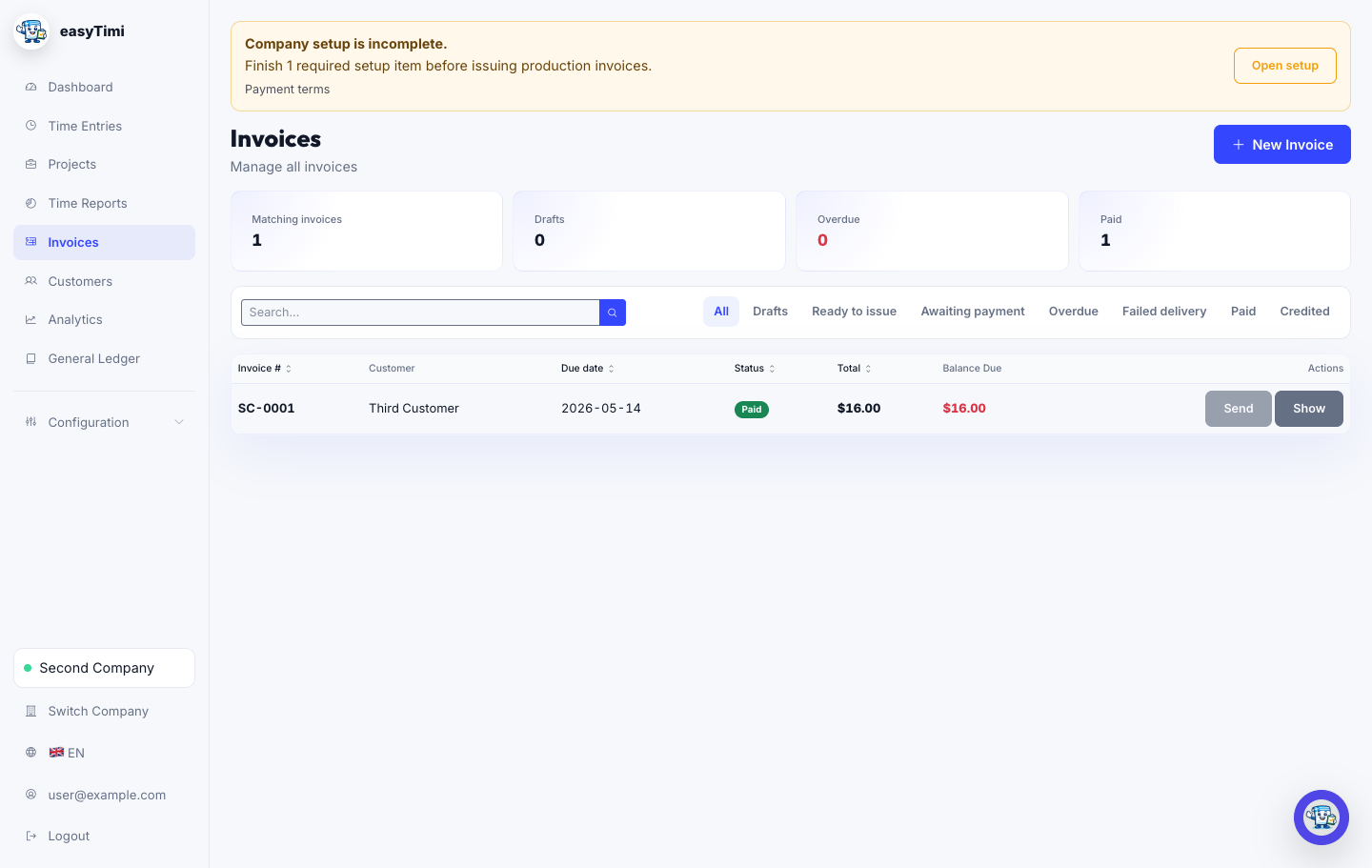
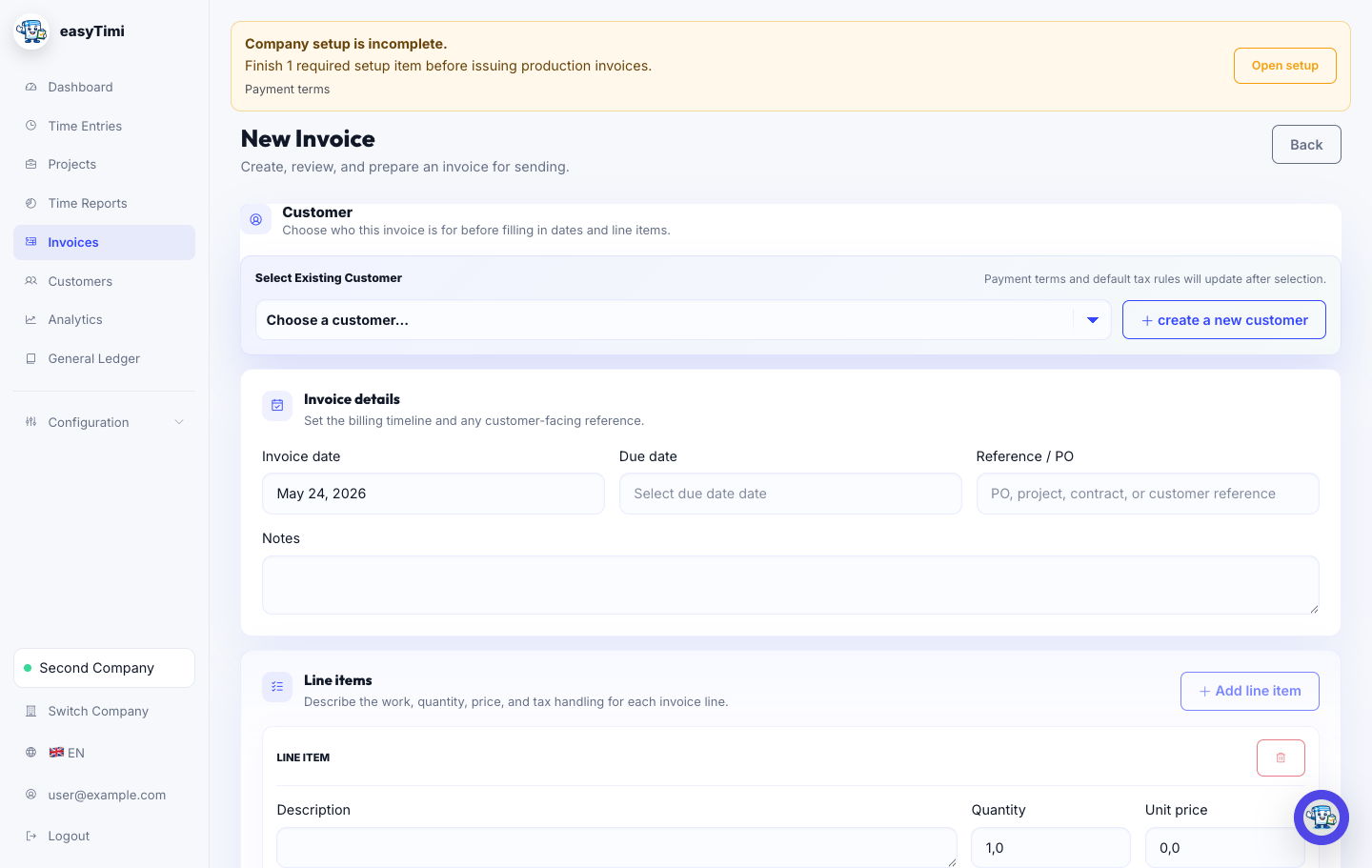
Keep the invoice record clean from customer setup through issue, delivery, and payment tracking.
When to use this
Use this section when you need to add a customer, create a draft, check invoice content, send an invoice, or correct an issued invoice.
Confirm invoice numbers, dates, seller and buyer identity, line-item detail, tax labels, totals, and payment instructions.
Read the invoice checklistDecide when one company workspace is enough and when separate legal sellers, team members, or customer records are cleaner.
Read the workspace guidePaid
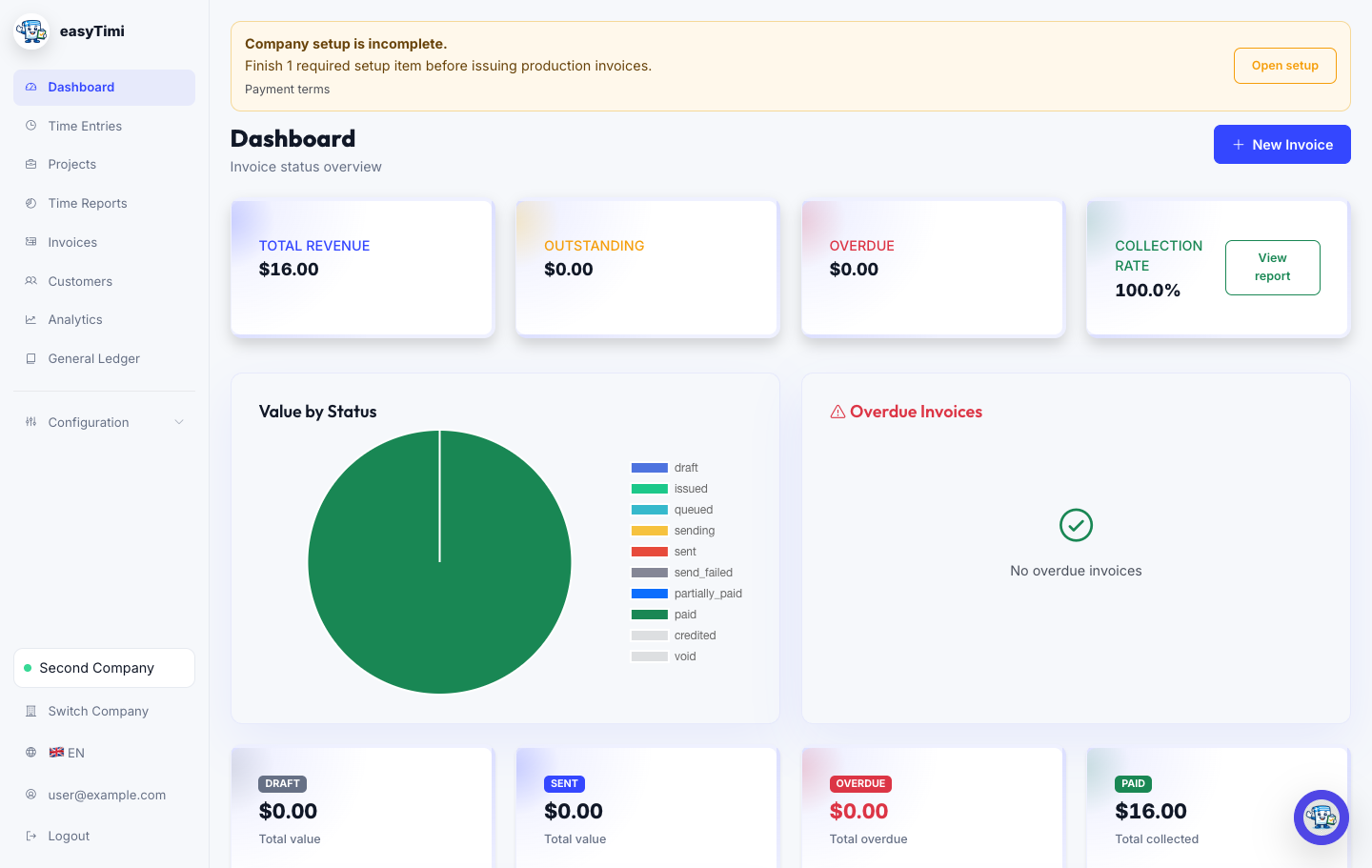
Shorten the distance between a sent invoice and a reconciled payment.
When to use this
Use this section after an invoice has been sent, when a payment arrives, when a customer needs a reminder, or when an online payment session must be refreshed.
Connect Stripe, create payment sessions, share payment links, and understand where payment status appears.
Read the Stripe guideUse invoice activity, delivery attempts, reminder events, and payment state to understand what happened after sending.
Open app after sign inTime
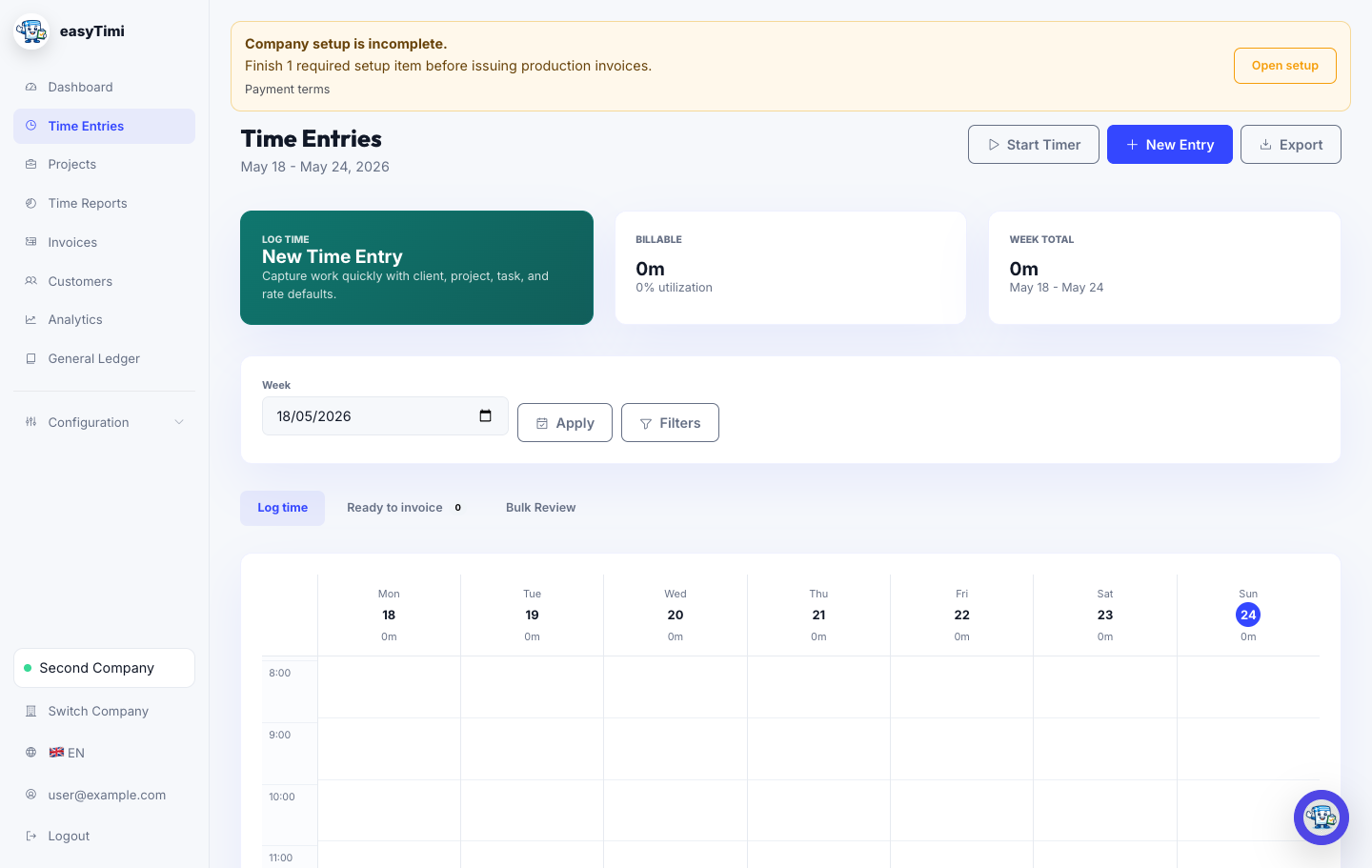
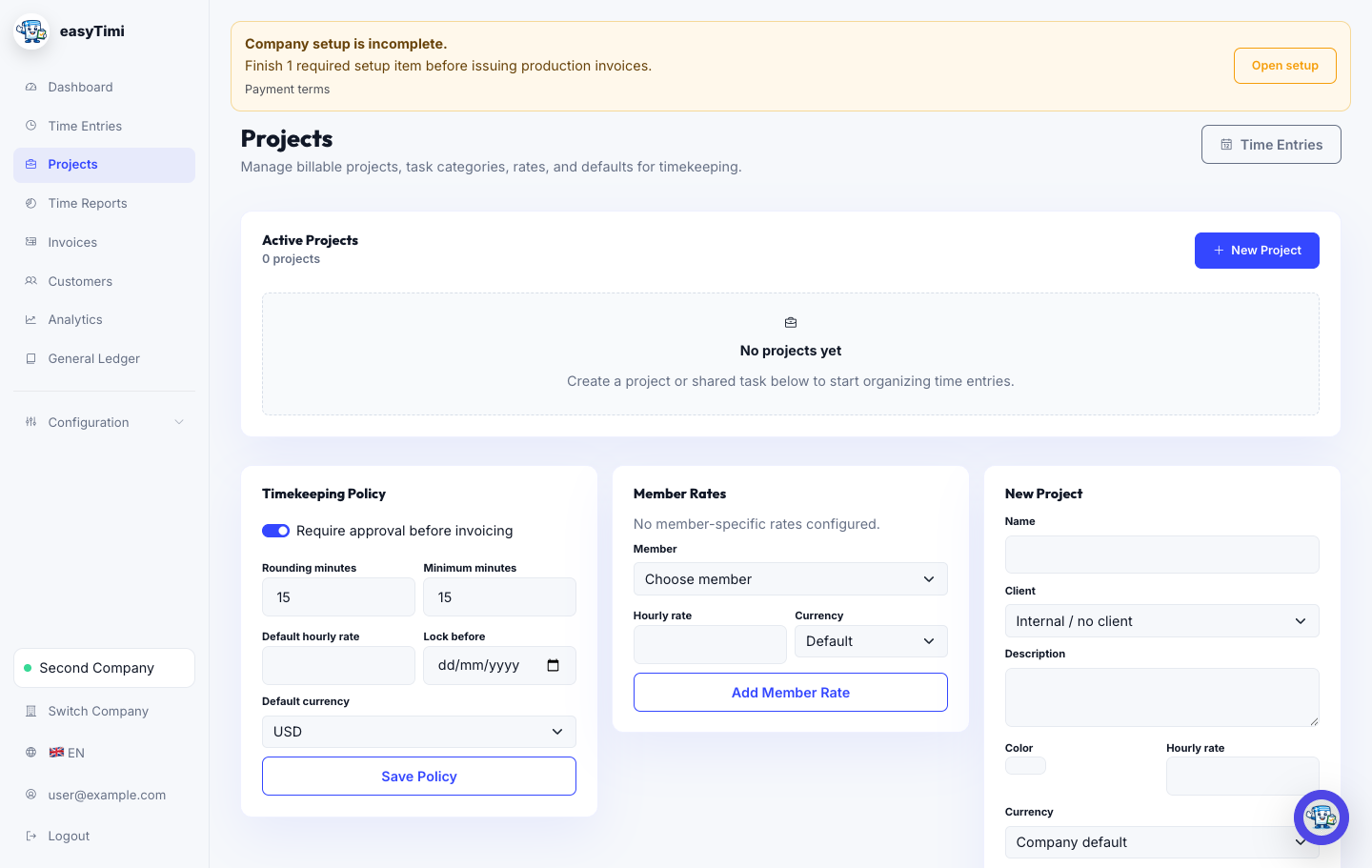
Capture billable hours, review project work, and turn approved time into invoice lines.
When to use this
Use this section when you bill from hours, need weekly timesheets, manage project rates, or create invoices from approved work.
Use time entries, project filters, timers, notes, and status changes to keep billable work ready for review.
Open time entries after sign inReview project totals, export reports, and create invoices from approved billable entries when the work is ready.
Open time reports after sign inIntl
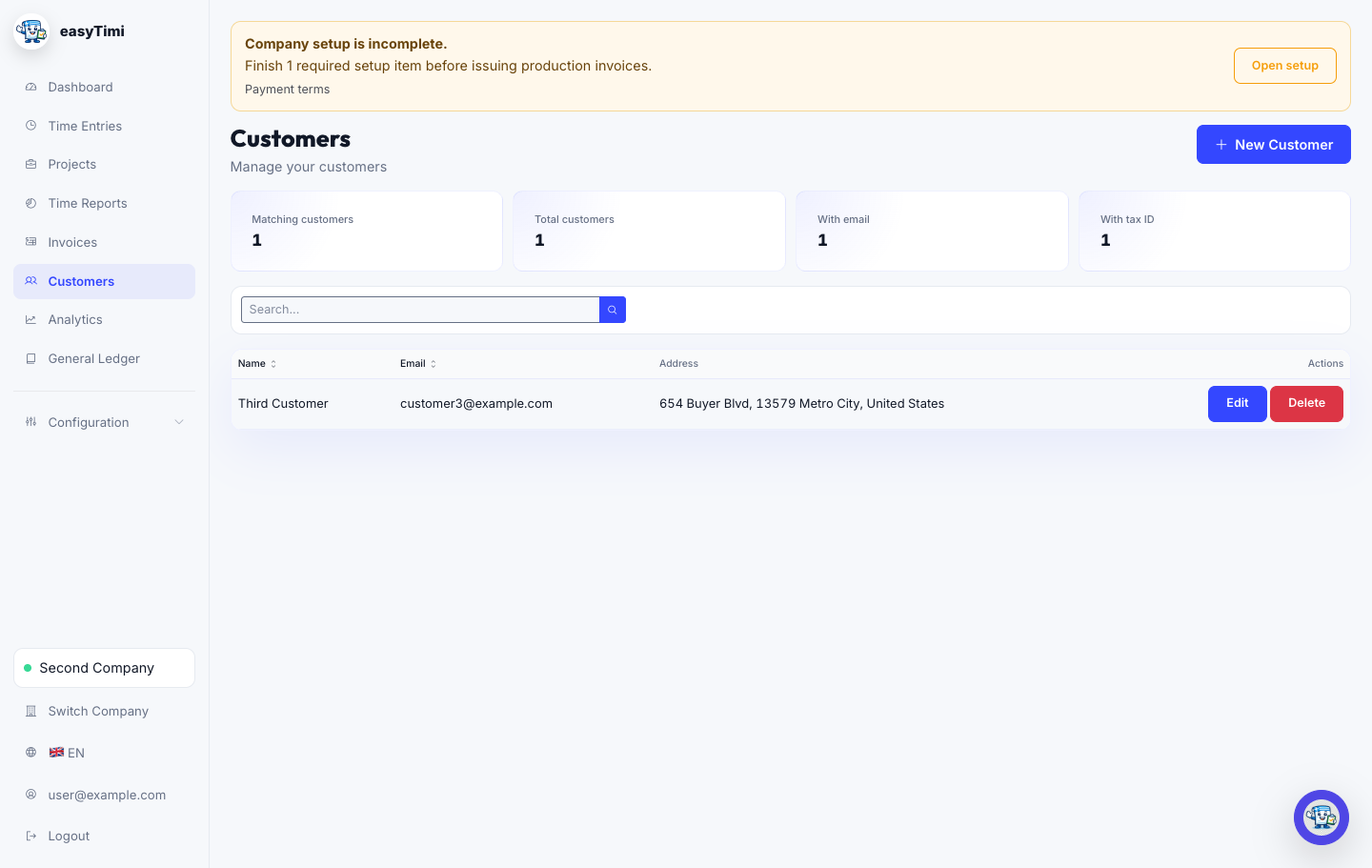
Prepare the facts that make cross-border invoices easier to review, send, and explain.
When to use this
Use this section before invoicing across borders, using another currency, applying reverse charge, or documenting tax treatment for accountant review.
Choose invoice currency, record exchange-rate context, and understand the difference between invoice and base currency.
Read the currency guideGather customer location, VAT IDs, supply type, and exemption wording before selecting invoice tax treatment.
Read the tax-label guideeInv
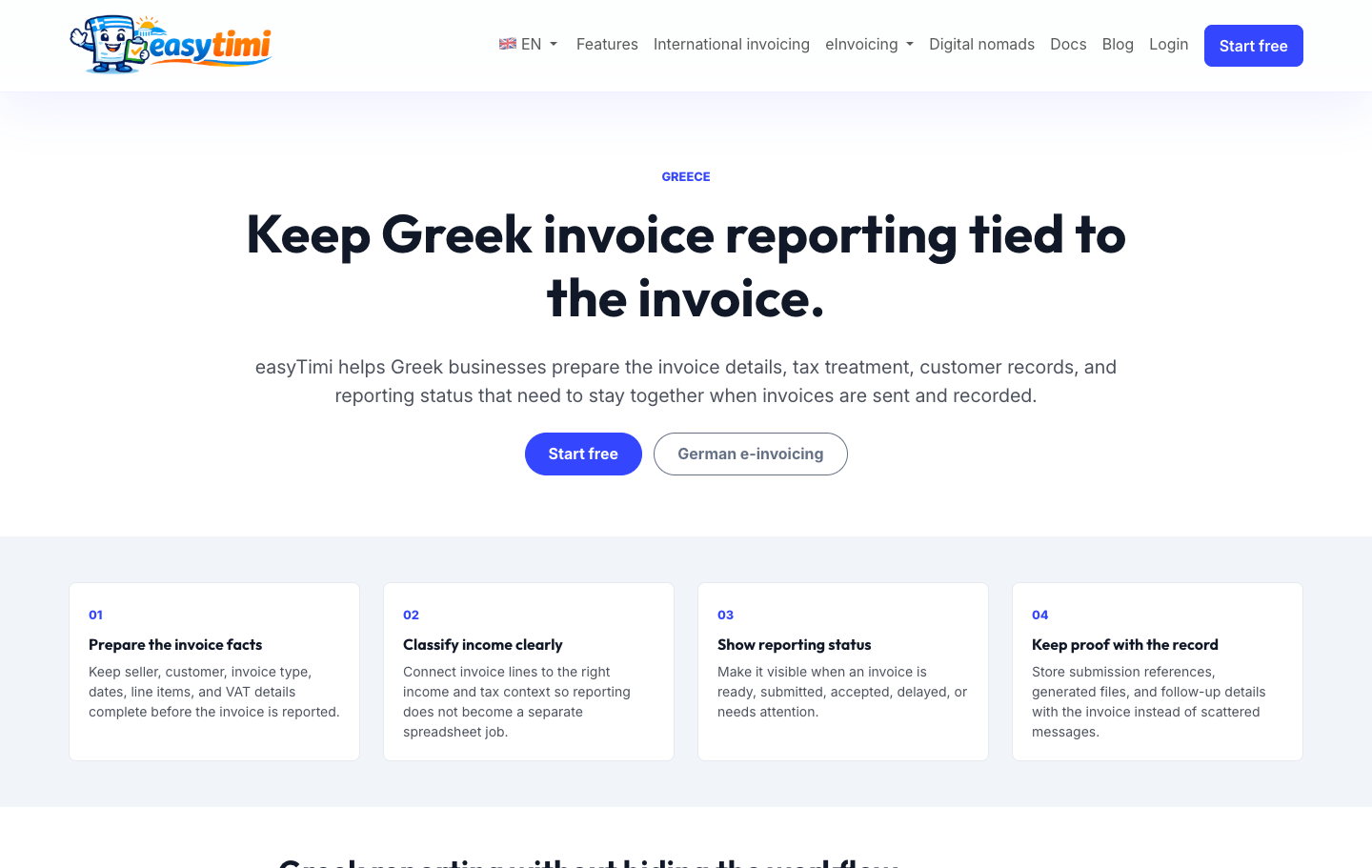
Understand the practical setup needed before sending country-specific electronic invoices.
When to use this
Use this section when a company prepares Germany, Belgium, or Greece electronic invoicing workflows, generated artifacts, validation reports, or provider-backed submissions.
Prepare for German e-invoice expectations with a workflow you can understand before implementation details matter.
Read the Germany guideObtain AADE REST API credentials, store them per company, and prepare the first invoice submission.
Read the myDATA setup guideTroubleshooting
Most billing issues are faster to solve when you know where to look first.
These checks mirror the manual and help you narrow the problem before contacting support or asking your accountant to review an invoice.
Open the setup banner and review legal identity, payment terms, email delivery, and required country-specific fields.
Check quantity, unit price, currency, tax preset, tax rate, service period, and imported time entries.
Confirm bank or Stripe records, payment reference, amount, currency, partial payments, and stale payment sessions.
Check active week, filters, customer, project, billable status, approval state, and whether entries were already invoiced.
Review seller identity, buyer identity, tax treatment, invoice type, credentials, participant identifiers, and the validation report.
Roadmap
The manual will keep expanding around the workflows that most often need evidence, accountant review, or support hand-off.
Ledger checks, reconciliation exports, write-off policy, and accountant-ready exception reports.
Token setup, device registration, sync watermarks, idempotency, and mobile troubleshooting examples.
Provider outages, failed e-invoice submissions, payment reconciliation drift, and support escalation paths.
Start free with professional invoices, customer records, payment visibility, and international-ready billing details.